AGX Warehouse gives you a live view of your parts inventory. See what’s in stock, what’s running low, and what needs to be ordered — before a job falls through because of missing glass. Set minimum and maximum inventory levels and let AGX alert you automatically.
Real-time inventory levels by location
Minimum and maximum stock level settings
Parts categorised by glass type, unit, and SKU
Connected directly to work orders and jobs
Default profit rate and pricing rules per warehouse
Multi-Location Inventory Dashboard
Manage Stock Across All Your Shops
Running more than one location? AGX gives you a unified view of inventory across every shop, so you can co-ordinate stock, transfer parts between locations, and make sure every job has what it needs — no matter where it is.
Multi-shop inventory visibility in one dashboard
Stock transfer between locations
Consolidated alerts for managers
Location-specific warehouse settings
VIN-Based Glass Identification
Order the Right Part. Every Time.
AGX can identify the correct glass for any vehicle using VIN data — eliminating wrong-part orders, speeding up the quoting process, and giving your team confidence that every job starts with the right glass.
Accurate glass identification by VIN
Eliminates costly wrong-part orders
Speeds up quote and work order creation
Works directly within the Fast Quote and work order screens
Purchase Orders, Receiving & Returns
Full Inventory Lifecycle — Fully Tracked
Create purchase orders, track receiving and delivery, manage returns, and log serial numbers — all connected directly to your jobs and work orders in AGX. Nothing gets lost. Everything is accounted for.
Purchase order creation and tracking
New stock (PO) and sales order management
Receiving and delivery tracking
Returns order processing
Serial number tracking
Picking lists and shipment records
Stock transfer between locations
Warehouse history and reporting
Stay Ahead
Everything in your workflow is connected — from quotes and jobs to technicians, inventory, and billing.
Customer requests a job. Enter the vehicle details and AGX identifies the right glass using VIN data — so the quote is accurate before the part is even ordered.
Convert & Schedule
Quote approved. Work order created. AGX checks your inventory and flags if the required glass is available — before the job is scheduled.
Execute & Complete
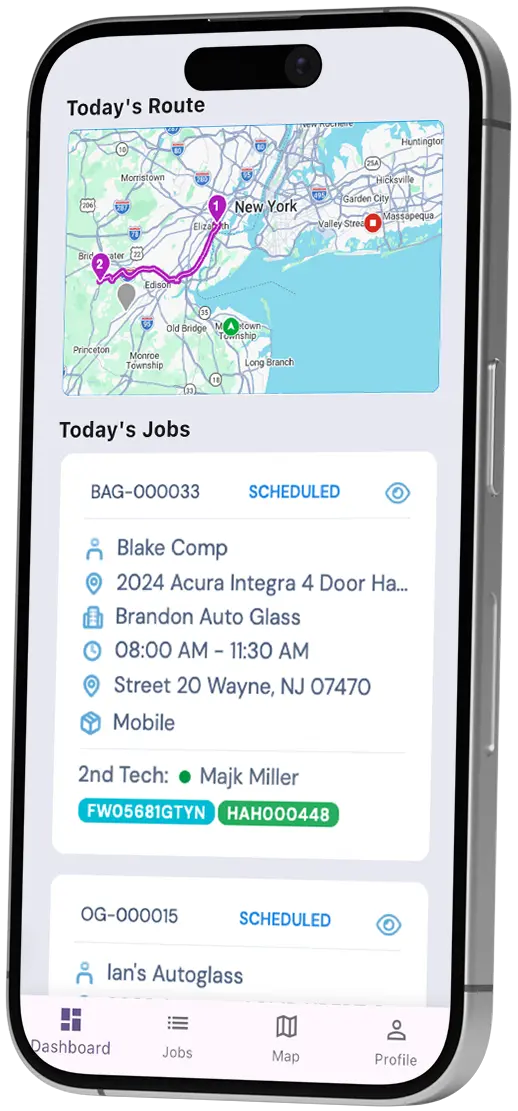
Technician installs the glass, updates job status in the mobile app. Inventory is automatically decremented. Everything stays in sync.
Ready to Run Your Auto Glass Shop Smarter?
See how AGX Warehouse keeps your inventory connected to every job — in a free demo.